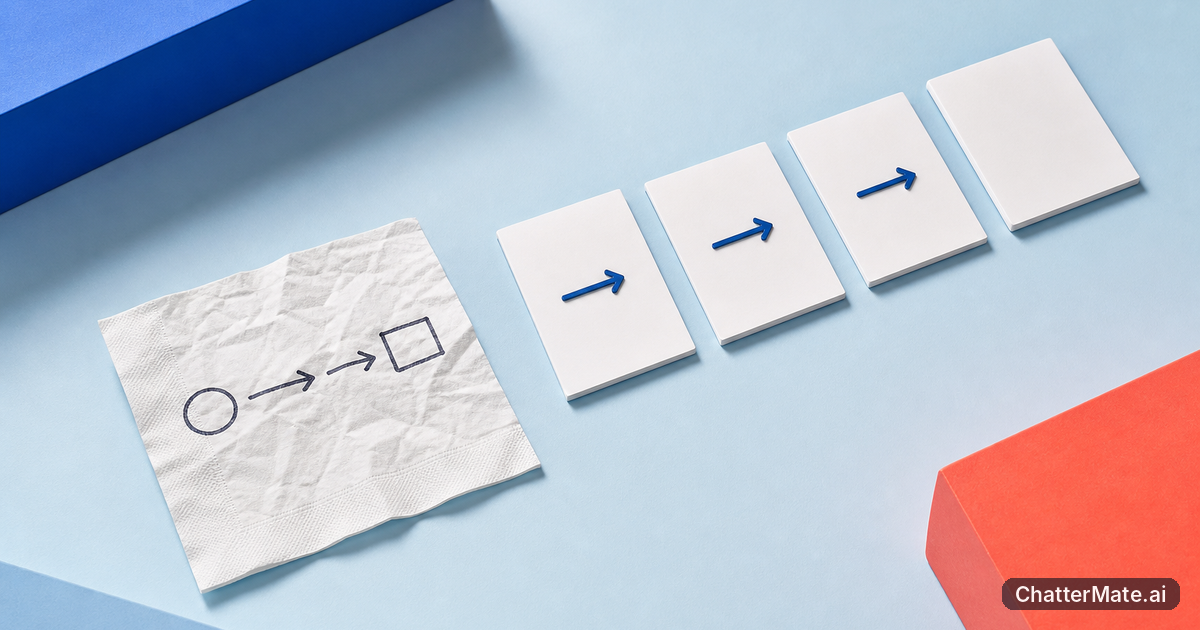
Creative brainstorming to slide: a team workflow
How can creative brainstorming turn a napkin sketch into stronger slide decks? Compare AI directions, align your team, and explore a clearer presentation
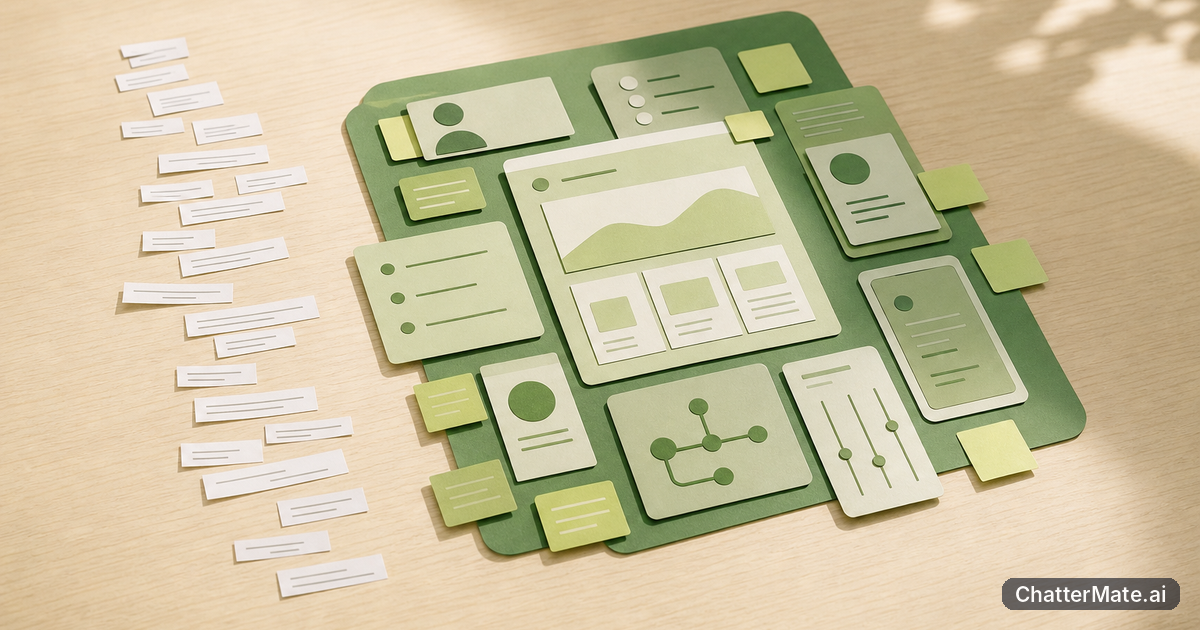
AI Chat: ChatterMate vs Plain-Text Bots—Live Canvas
How does AI chat with a live canvas compare with plain-text bots for team workflows? Explore how ChatterMate keeps useful artifacts beside the conversation.

the complete guide to building spreadsheet and code apps
the complete guide to building interactive spreadsheets and Code Canvas apps: scope ideas, compare model outputs, prototype in Forge, and build now.

How to write about the shift from AI answers
Write about the shift from one-shot AI answers to useful human–AI co-creation: learn when to iterate, guide drafts, and know when to stop. Start.
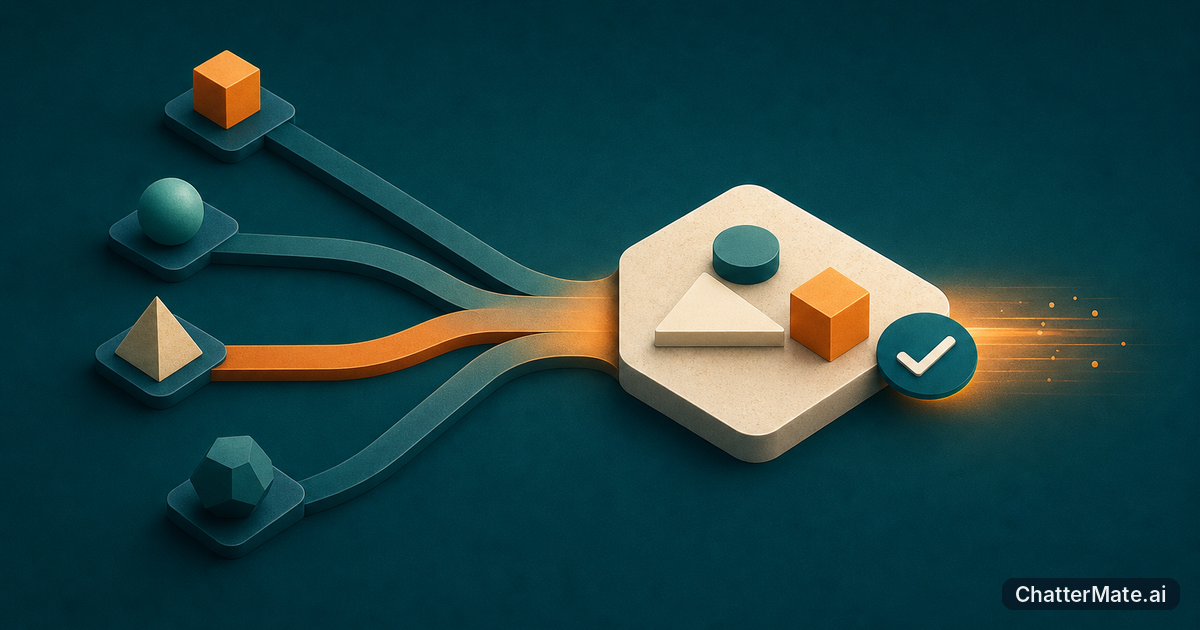
Multi-model ai chat: 10 workflows to results
Use multi-model ai chat to compare, decide, build, and check ten practical workflows in one session—then pick the right sequence and try it today.
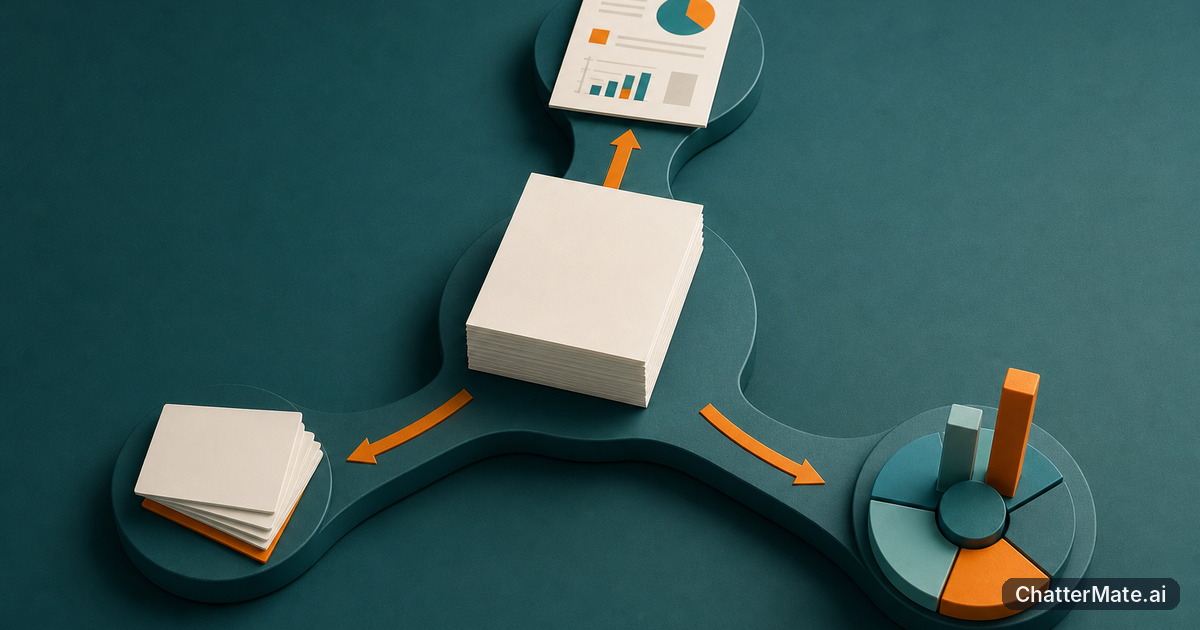
multi-model ai chat: one source, three outputs
Use multi-model ai chat to turn one source into a consistent document, slide deck, and data visual. Compare drafts, check facts, then test the workflow on your material.

eliminating the "copy-paste tax": how teams cut
eliminating the "copy-paste tax": how teams compare AI drafts and use workflows to turn scattered outputs into reusable assets faster. Explore.
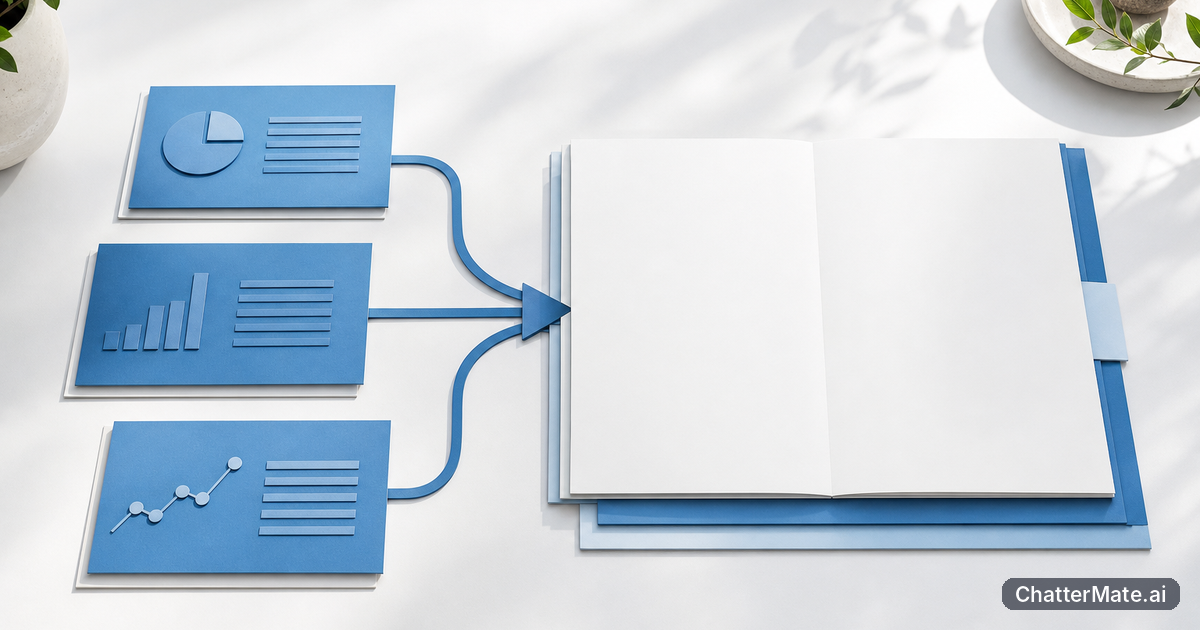
chattermate.ai: From Model Comparison to Work
See how chattermate.ai-style workspaces can cut copy-paste handoffs, compare model outputs, and move useful answers toward finished work with fewer handoffs. Choose.

forge cloud ide: From Idea to Finished Work
Move from AI chat to working software with forge cloud ide: scaffold, refine, preview, and deploy a project, then use a repeatable workflow with your team. Begin.

multi-model ai chat: compare, choose, build
Compare OpenAI, Claude, Gemini, and Grok in one workflow, choose a model by task, and carry useful answers toward prototypes with less tool switching. Explore.
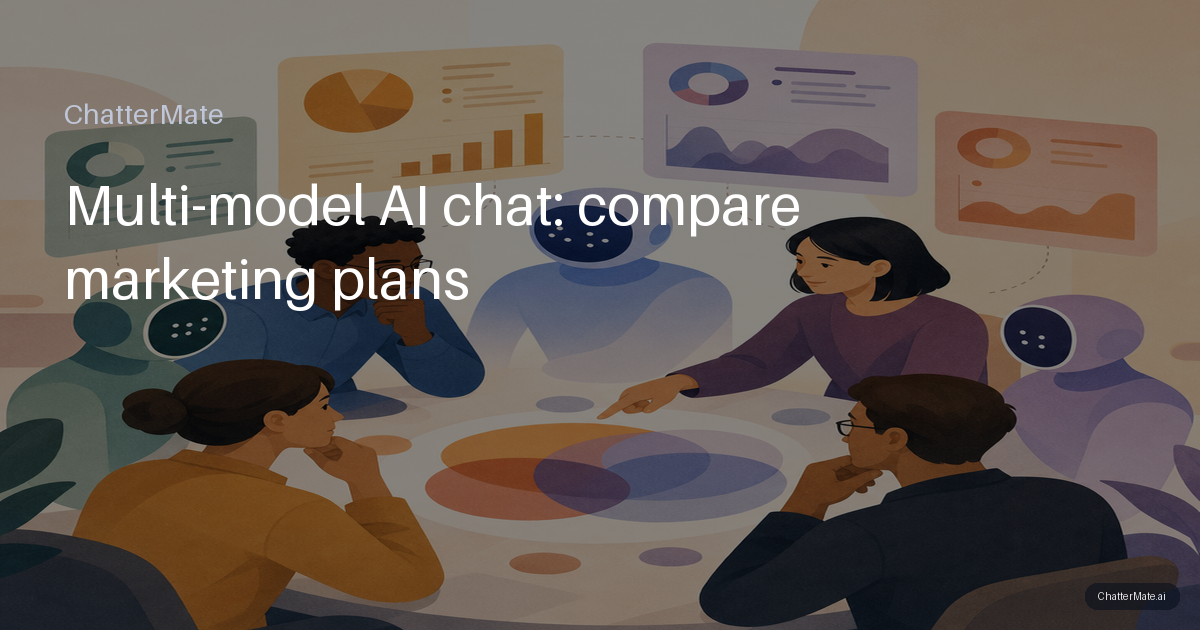
Multi-model AI chat: compare marketing plans
Run one strategic marketing prompt through a multi-model AI chat, score each plan on useful criteria, then decide what to use, combine, or test next. Compare
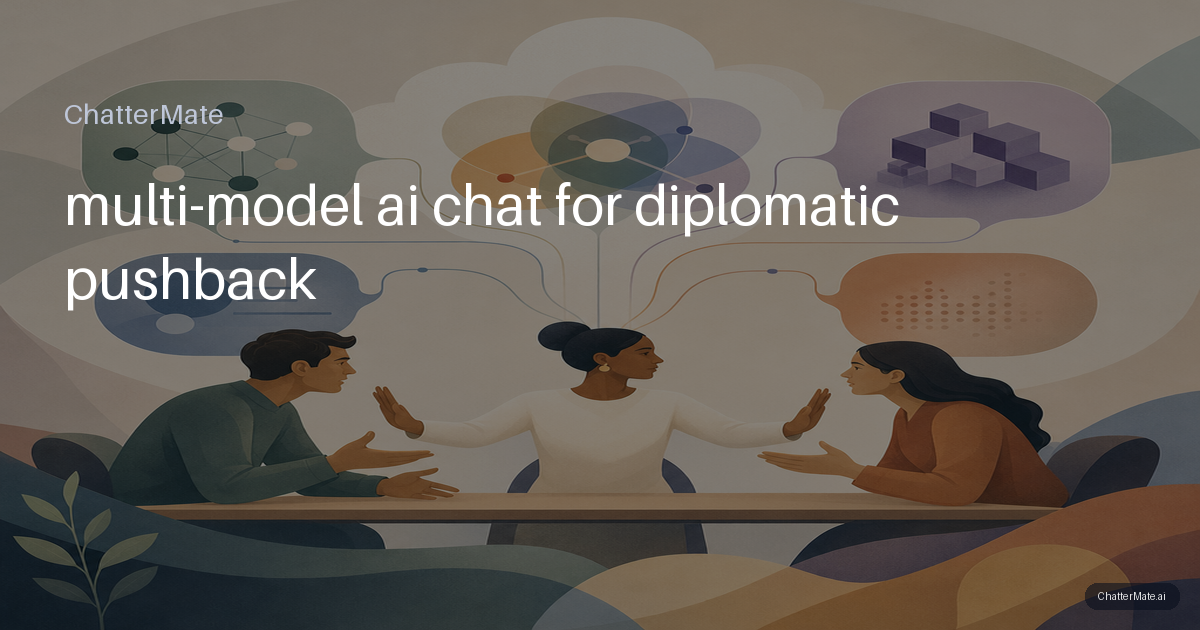
multi-model ai chat for diplomatic pushback
Use multi-model ai chat to turn a rushed refusal into a respectful boundary, compare drafts side by side, and choose wording you can deliver. Try it