You’re weighing AI chat tools, but a string of answers can leave your team with the same old chore: copying useful pieces into a separate document, plan, or prototype. ChatterMate’s live canvas changes that handoff. Instead of treating the answer as the finished product, you can shape documents, slides, diagrams, and interactive outputs alongside the conversation.
Turning ai chat answers into artifacts
A plain-text bot is useful when you need a quick explanation or a draft you can copy elsewhere. The friction appears when the answer is only the first step. Imagine asking for a launch plan: the chat gives you a paragraph, then you paste it into a document, reorganize the sections, and return to chat for revisions. Each move separates the thinking from the thing you’re making.
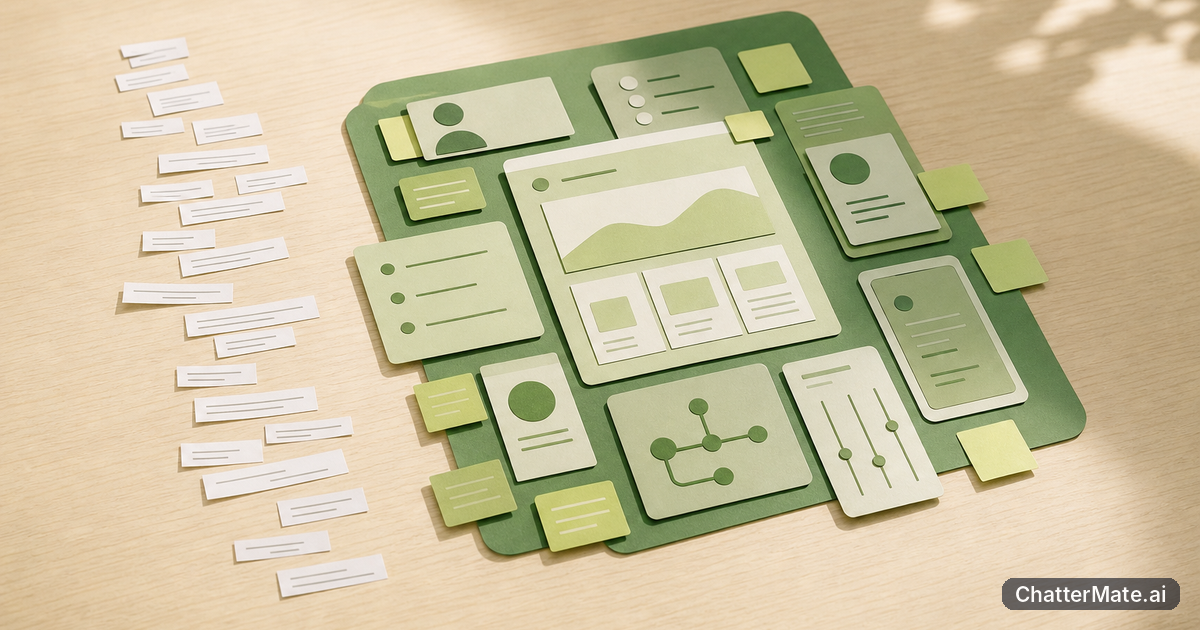
With ChatterMate’s Canvas Pro, the artifact lives alongside the chat. You can work toward a document, slide deck, diagram, or interactive output without treating every response as a standalone message. That makes the conversation more useful as a working session: ask for an outline, refine the order, and keep developing the result in context. The difference isn’t that text stops mattering; it’s that text can become something you can shape.
Compare ideas without losing the work
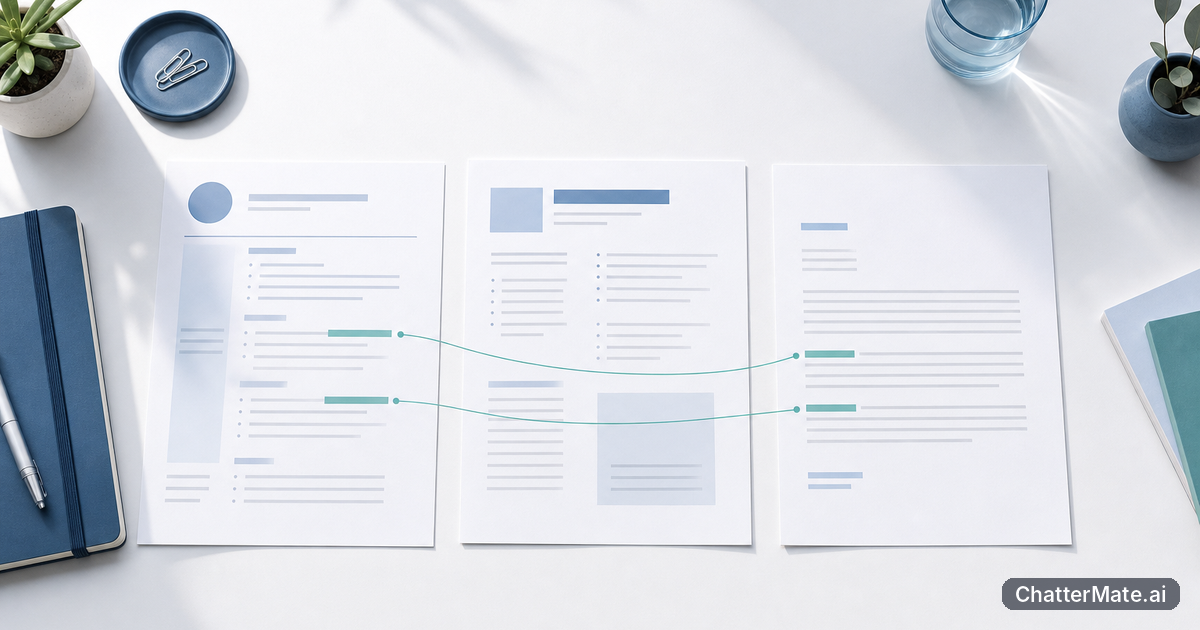
If your team evaluates answers from more than one model, the comparison is only valuable when it helps you make a decision. For example, you might ask for three ways to explain a product change, then compare which version is clearest for customers. In a text-only workflow, you can end up with several replies to scan and a separate task to assemble the best parts into a usable draft.
A live canvas gives that work a destination. You can treat the options as material for a document or another artifact, rather than as messages that disappear into a long thread. Keep a simple checklist: What is the audience? Which version is easiest to understand? What needs a factual check? Then shape the chosen direction into a result your team can review. For more on a practical evaluation process, see how to compare, choose, and build with multi-model AI chat.
The canvas doesn’t make the judgment for you; it helps keep your judgment connected to the output.
Make iteration part of the conversation
In a plain-text workflow, feedback can become a chain of instructions: “shorten this,” “move that point,” “turn it into a diagram.” You then need to carry the updated version between the chat and wherever you are assembling the final work. That can be manageable for one person and one draft, but it adds small handoffs when teammates are refining an idea together.
Working in a canvas makes iteration feel more concrete. Suppose you’re planning an internal process and begin with a written outline. You can use the conversation to explore an unclear step, then develop the work as a diagram or document beside that discussion. The team can focus feedback on what is actually taking shape: a section, a sequence, or the overall structure. A useful rule is to ask for one change at a time, review the result, and then decide what to adjust next. That keeps the chat from becoming a pile of disconnected revisions.
Tip: Before you start, name the thing you want to leave with—a clear document, a slide outline, or a diagram. It makes each prompt easier to judge.
If copy-and-paste handoffs are your current bottleneck, this article on cutting the copy-paste tax offers another useful lens.
What to test before you choose
Run a small, realistic task through each workflow you’re considering. Choose something your team actually does, such as turning a rough brief into a structured document or explaining a process visually. Notice how many times you have to copy content, restate context, or rebuild the answer somewhere else. Also check whether the result is easy for a teammate to understand and continue editing.
Then ask a practical question: did the tool help you move from an idea to a usable artifact, or did it simply give you more text to manage? ChatterMate is worth evaluating when keeping the conversation and the work together matters to your process. Start with one task, make a first version, and use a short review to see where the canvas helps—and where your team still needs a separate step. That gives you a concrete basis for comparing workflows, rather than relying on a polished demo.
Related reading
Frequently asked questions
Explore ChatterMate
Enjoyed this read?
Like, Share or comment below.