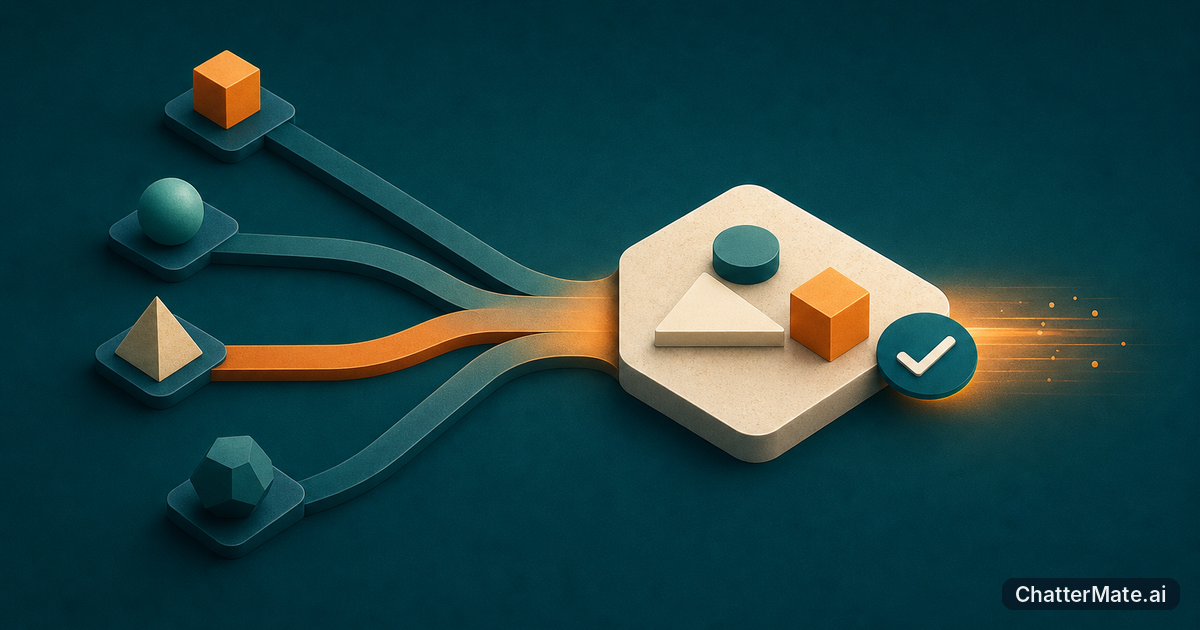
Copying a useful answer from chat into a document, then pasting it into another tool for edits or execution, costs more than a few clicks. You lose prompt context, dilute constraints, and create another chance to choose the wrong version. A connected workspace can keep comparison, iteration, and artifact work close—but only when it fits the task.
Map the handoffs before choosing a workspace
Start by tracing one real task from first prompt to finished deliverable. Mark every time you copy text, restate context, compare versions, or move an answer into another tool. For example, a product team might ask three models to summarize interview notes, pick the clearest themes, then turn them into a research brief. If the team pastes each answer into a separate document, the comparison and the final edit become disconnected. Keeping responses and the working artifact near each other may reduce that friction.
Look for repeated bottlenecks, not just the most annoying one-off step. If your team frequently re-explains the same constraints, context is getting lost. If reviewers debate which answer is best, evaluation needs a clearer home. This guide to comparing and choosing models can help you think through the evaluation part.
Tip: Track one workflow for a week. Note each handoff, why it happens, and how often someone has to redo work because context or a constraint went missing.
Compare responses against the same task
A side-by-side test is useful only when each model gets the same brief, source material, and success criteria. Suppose you need a customer update that explains a delay without sounding defensive. Ask each model for a draft using the same facts and tone requirements, then compare accuracy, clarity, and how much editing the best version needs. A more polished answer is not automatically the better choice if it invents details or ignores a constraint.
Keep a small set of representative prompts rather than testing with one unusually easy example. Include a routine task, a nuanced task, and one where factual grounding matters. Record the winner and the reason, so the team can reuse what it learns. ChatterMate's multi-model chat offers real-time side-by-side responses from OpenAI, Claude, Gemini, and Grok. If chattermate.ai is on your shortlist, check whether that comparison flow suits your team's actual review habits. For another practical angle, see when to use automatic model selection.
Match model choice to quality, speed, and spend
Different tasks call for different trade-offs. A short rewrite or subject-line brainstorm may be well served by a fast, lower-cost option; a detailed synthesis with strict requirements may justify testing a stronger model. Avoid choosing by reputation alone: run the same prompt and judge the result against the task's real needs. If speed matters, note response time. If an answer needs heavy revision, include that editing time in your comparison.
Token and credit efficiency also deserves a practical check. Use a representative prompt and source length, then compare usage and provider pricing where those details are available. A model that is cheaper per response may cost more overall if it needs multiple retries or extensive cleanup. Do not assume a workspace will expose all cost data: confirm what it shows, and keep a simple team record if needed. This guide to writing better AI briefs can help reduce avoidable retries by making requirements clearer upfront.
Assess the workspace, then take one small step
When comparing options, check whether the workspace preserves the prompt and source context while you review alternatives, how easily you can turn a selected response into a working artifact, and whether teammates can understand why a version was chosen. Try a workflow that produces something concrete, such as a one-page project summary or a customer email, rather than relying on a feature tour. A workspace with an artifact area beside chat, such as ChatterMate's Canvas, may suit work that involves shaping a document or other output alongside model responses.
Workspace-based workflows can still fall short. You may have limited control over model-specific settings, unclear usage visibility, or an artifact flow that does not fit your team's existing review steps. Keep the test narrow: map one recurring task, run it through two candidate setups, and compare handoffs, quality, elapsed time, and usage. Then keep the better workflow—or return to your current tools if the improvement is marginal. The goal is less friction, not another workspace to maintain.
Frequently asked questions
Explore ChatterMate
Enjoyed this read?
Like, Share or comment below.