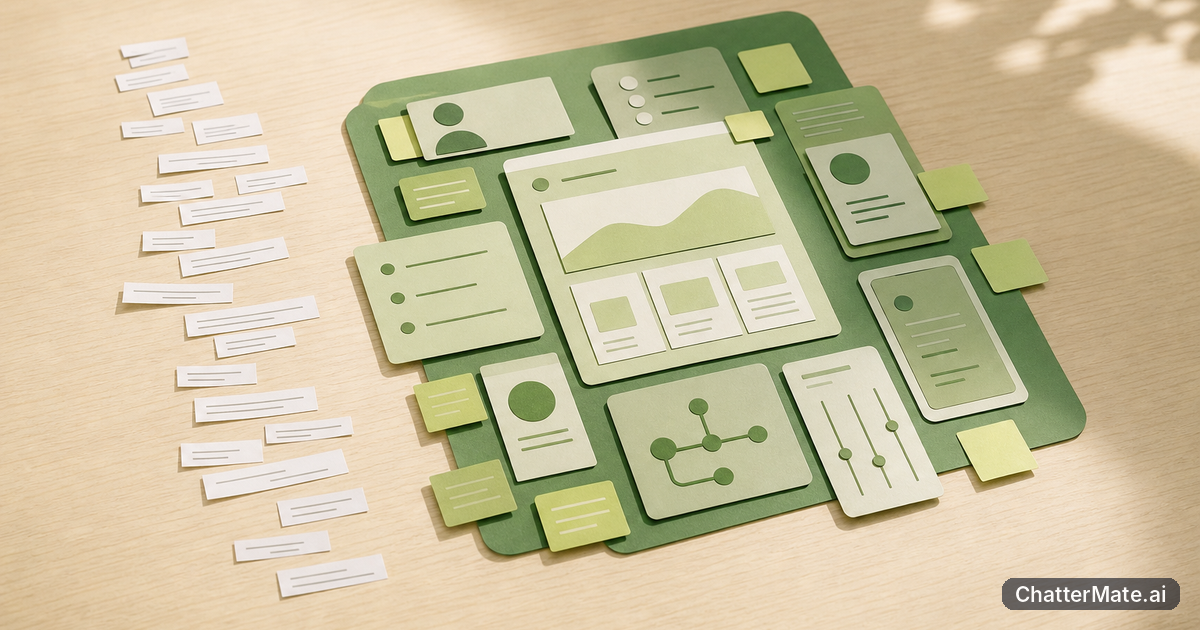
You have the facts for a presentation, but they are spread across reports, meeting notes, FAQs, and product updates. The hard part is making those materials tell one coherent story. ChatterMate’s Content Studio can help draft or refine a supporting guide or story; you still take that approved narrative to slide software to create the deck.
Turn scattered presentation research into a clear supporting story
Presentation preparation often starts with more information than your audience needs. A research report may explain every finding, while a customer FAQ answers individual questions and meeting notes capture decisions without much context. Before you open slide software, decide what people should understand, why it matters to them, and what they should remember or do afterward. That sequence becomes the supporting story behind the presentation.
For example, a team presenting a service update might have figures on response times, notes from support staff, and a list of customer concerns. The useful narrative is not simply a tour through each document. It might be: customers were waiting too long, the team changed its handoff process, and early results suggest the change is helping. The underlying research supports each part, but the story gives listeners a route through it.
Drafting this supporting material first can reveal gaps before they become awkward slide transitions. If the evidence does not support a claim, or a key term needs explaining, you can address that while refining the guide or story. Treat the narrative as a clear, reviewable foundation—not as a substitute for the visual decisions you will make later.
Start with the material you already have: notes, reports, and FAQs
You do not have to begin with a blank page. Gather the information that is relevant to the presentation: a report’s key findings, notes about decisions, recurring questions from an FAQ, or an approved description of the product or program. Then separate confirmed facts from interpretation. Mark figures with their dates and context, and note which statements need checking with a subject-matter expert.
Next, make a short source outline. For a quarterly customer update, that might list the audience, the main change, two supporting results, one known limitation, and the questions customers are likely to ask. This outline is easier to work with than a folder of unrelated material because it gives the drafting process a defined purpose. Keep useful examples and caveats; remove detail that does not help explain the central point.
When you bring selected material into an AI-assisted writing process, provide enough context to avoid a vague result. Say who will read the supporting story, what they already know, what the presentation needs to accomplish, and which facts must remain unchanged. Ask for uncertainty to be flagged rather than filled in. You remain responsible for checking the draft against the original sources, especially when numbers, promises, or customer statements are involved.
Use Content Studio to draft or refine a guide or story—not slides
Content Studio is a block-level CMS for content such as guides and stories, with AI-assisted authoring. That makes it relevant when your preparation task is to shape source material into readable supporting content: a short narrative to accompany a presentation, a guide that explains a process, or a story that gives the audience helpful context. You can use AI assistance to get a first draft or refine wording and structure, then review the result against your source material.
Be specific about the job you want the draft to do. For instance, ask for a customer-facing story that explains a change in plain language, keeps the supplied facts intact, and makes clear what is still unknown. You can then revise its opening, simplify a section, or make the explanation more direct. A sequence of focused requests can be more useful than asking for an all-purpose polished piece in one go; see this discussion of iterative prompting versus a one-shot request for a related workflow idea.
The boundary matters: Content Studio’s described role is authoring guides and stories, not creating presentation slides or visual designs. A guide may help you settle the order of ideas and the language you want to use. You still need to decide which points belong on slides, how to visualize evidence, and how the deck should look in your slide software.
Example: shape product launch research into a concise customer narrative
Imagine your team is preparing to present a new scheduling feature to customers. You have launch notes, an internal report on the problem it addresses, a list of common customer questions, and an approved description of how the feature works. The raw material is useful, but a presentation assembled directly from those sources could jump from technical detail to customer concern and back again.
Start by making a concise outline: customers struggle to coordinate appointments; the new feature gives them another way to manage available times; the launch is beginning with a defined set of users; and customers can find answers to likely setup questions. Check that each statement is supported. If the report only describes a problem, do not turn it into a claim that the feature has already solved it. Note any launch limits so the draft does not imply availability beyond what the team has confirmed.
In Content Studio, use that outline and selected source material to draft a supporting story or guide. Ask for a simple opening, a clear explanation of the change, and a section addressing the common questions. Review the result: correct product terms, remove unsupported claims, and ensure the story distinguishes what is available now from what may come later. The approved narrative can then guide the presentation’s speaking points and content choices. It is preparation material, not a finished deck.
Move the approved narrative into slide software to build and design the deck
Once the team has reviewed the supporting story, use it as a source for presentation decisions in your slide software. Pull out the main message and the few pieces of evidence that earn their place. A paragraph explaining a customer problem might become a concise headline; a verified set of figures could become a chart you build in the presentation tool. The software is where you create the actual slides and decide how information should appear visually.
Do not copy every sentence from the guide onto the deck. The supporting narrative gives you context and a coherent order, while the slides should be shaped for people listening in a room or following a screen share. Decide what you will say aloud, what needs to be visible, and what can sit in a handout or follow-up guide. Check that labels, figures, and claims match the approved source material after you move them across.
This handoff also gives reviewers a useful division of work. A subject-matter expert can check the accuracy of the guide, while the presentation owner makes choices about slide sequence, visuals, and emphasis. Allow time to compare the final slides with the approved narrative: editing for space can accidentally remove a caveat or change the meaning of a claim. ChatterMate helps with the content-preparation stage; slide construction and design remain your work in the presentation software you use.
A practical fit check for teams evaluating ChatterMate
Content Studio may fit your workflow if your team regularly needs to turn scattered information into clear guides or stories before making a presentation. It is particularly relevant when the bottleneck is drafting, organizing, or refining supporting text—not when the main need is automatic slide creation. If you already have a preferred slide tool and want a better way to prepare its content, test that specific handoff rather than expecting one workspace to do both jobs.
Run a small trial with a real but low-risk presentation. Choose a set of notes, a report excerpt, and a few FAQs. Ask for a supporting story with a defined audience and purpose, then have a teammate check the facts and mark revisions. Finally, use the approved text to build a few slides in your existing software. Notice whether the draft saves preparation time, whether the narrative is clearer, and how much human review it requires. For ideas on keeping an evaluation focused, see this guide to starting small with an AI workflow.
If you write for teams evaluating ChatterMate, make the decision against your actual process: does AI-assisted authoring help you prepare reliable supporting material, and is the boundary between that work and slide design clear? If yes, Content Studio could be a useful part of the workflow. If you need the tool to generate and design the presentation itself, this use case is not a match. Try the preparation step, review the result, and decide from there.
Frequently asked questions
Explore ChatterMate.Ai
Enjoyed this read?
Like, Share or comment below.