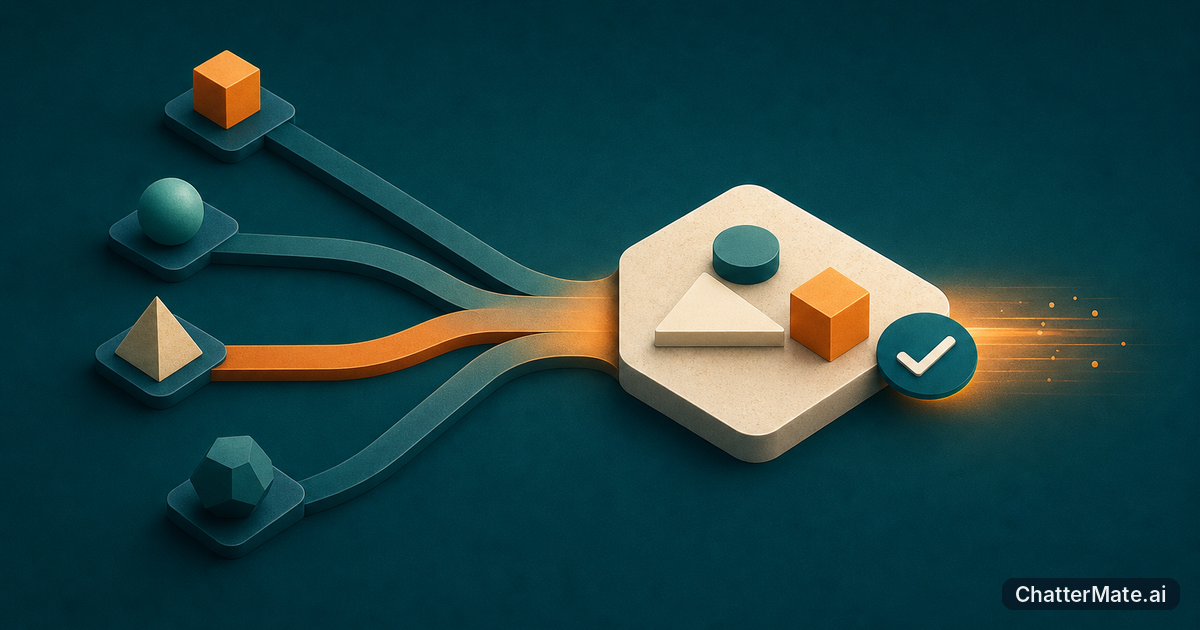
You know the feeling: you ask AI for a complete, polished result, then get something generic that misses the one detail you cared about. Prompt chaining gives you a more reliable route. Instead of asking for everything at once, you guide the model through focused steps, checking and improving each result as you go.
Why one-shot prompts can miss the mark
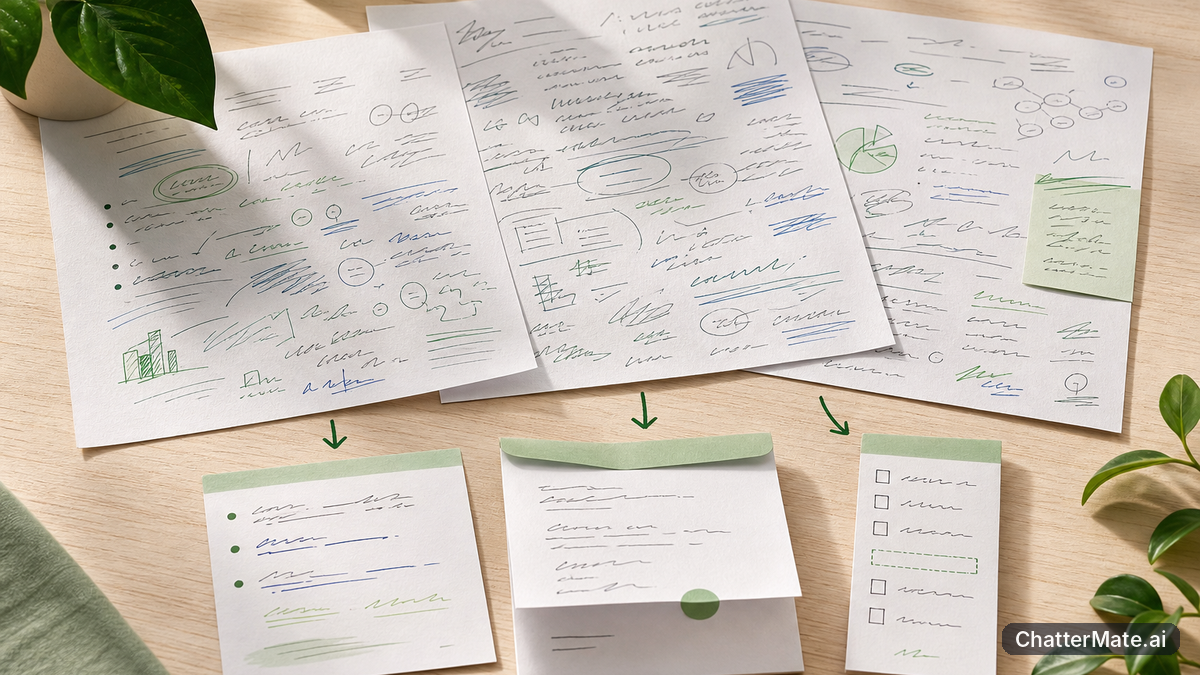
A one-shot prompt asks the model to understand your source material, decide what matters, choose a structure, write in the right voice, and meet every formatting instruction in one go. That can work for a small, familiar task. But when your request has several stages, the instructions compete for attention. The result may sound polished while quietly skipping a key fact, audience concern, or constraint.
Imagine pasting three pages of meeting notes and asking for a concise summary, an executive email, and a list of owners and deadlines. The model has to interpret raw notes and produce three different formats simultaneously. It may flatten disagreements into a single conclusion or leave an action item out of the email. Adding more instructions to the same prompt can make the request harder to follow, not more precise.
One-shot prompting also makes diagnosis difficult. If the email is wrong, was the source misunderstood, the summary poorly organized, or the tone instruction missed? Breaking the task apart lets you spot where things went off track. For a single quick answer, one prompt is efficient; for work with dependencies, separate prompts make each decision visible and easier to correct.
How chaining turns raw notes into useful work

Prompt chaining means using the result of one focused prompt as the input to the next. For meeting notes, start by asking for a factual summary grouped by decisions, open questions, and action items. Check that result against the notes. Then use the approved summary to draft an executive email with a clear subject, a short update, and next steps. You have a chance to correct a mistaken date or owner before it becomes part of a message.
In ChatterMate, you can keep the work in one conversation and use multi-model AI chat to compare responses from OpenAI, Claude, Gemini, and Grok side by side. For example, ask one model to structure the notes, then compare another model’s summary before choosing what to carry into the email draft. The next prompt can refer to the selected summary in the conversation, so you do not have to keep rebuilding the context in a fresh chat.
That does not mean every stage needs a different model. Keep the model that is following your format well, or compare alternatives when accuracy, tone, or speed matters. The workflow is about making decisions in stages—not adding model changes for their own sake. For more on keeping model evaluations in one place, see how model comparison can reduce copy-paste work.
Build a chain from research to a finished draft

Try this three-step example when you have research notes and need a blog post. In Step 1, paste your raw research or data into chat. Include enough context to identify the source, audience, and any facts that must remain exact. Ask the model to flag unclear or conflicting details instead of filling gaps with guesses. If you are working from a document, you can also ask targeted questions about the material before drafting.
In Step 2, request a structure rather than finished prose. For example: “Group these findings into three themes, state the central takeaway in one sentence, and suggest a five-part outline. Keep statistics and caveats attached to their sources.” Review the outline. Is the thesis supported? Are the sections in a useful order? Correct it now, while changes are easy and cheap.
In Step 3, pass the approved outline into a new prompt: “Write a 700-word blog post for team leads using this outline. Keep the caveat in section three, use a practical tone, and don’t add facts that aren’t in the notes.” You now have a draft with a traceable path from source to structure to prose. You can reuse the same outline for a social caption or presentation structure, with a new prompt specifying the format. This approach is similar to the workflow for turning one idea into three assets, while preserving a review point between each output.
Compare models at the stage where it matters
Not every step needs a model bake-off. Choose where comparison is likely to change the quality of your result. For a straightforward outline, one model may be fast and consistent enough. For a nuanced executive summary, you might compare two responses and check which one preserves the caveats and priorities in your source. ChatterMate’s multi-model turns let you compare responses within the same conversation, so the source and task remain in view as you assess alternatives.
Give models the same focused prompt when you want a fair comparison. For instance, ask each to summarize the same research in five bullets, keeping numbers and qualifications intact. Then evaluate against a short checklist: Are the facts present? Is the emphasis right? Does the answer follow the requested format? Choose the strongest result for the next stage, rather than combining every response and creating a new editing problem.
You can also assign different tasks to different models based on what you observe. One may produce a clearer outline; another may write a more natural email. Test this on your actual work rather than assuming one model is always best. If you want a practical example of comparing outputs for a concrete task, explore a compare, choose, and build workflow. The goal is a deliberate choice, not the largest possible pile of drafts.
Keep the chain accurate without wasting effort
More steps do not automatically mean better results. Every prompt should have a job: extract facts, organize them, draft a format, or check a specific requirement. If two steps do the same thing, combine them. If a step produces an answer you cannot verify, add a source check or ask the model to mark uncertainty before you move on. These small checkpoints help you avoid polishing a mistake through several later stages.
Keep reusable context short and specific. For example, carry forward the approved summary and the audience, not every brainstorming note from the conversation. Ask for the output format you need—such as five bullets or a 150-word email—so you spend less time trimming a response that grew beyond the task. When comparing models, use the same prompt and criteria, and compare only when the difference could affect your decision. That keeps the workflow focused and avoids spending time reviewing near-identical drafts.
Finally, treat each handoff as a quality gate. Before using an outline to draft, check its thesis. Before sending an email, verify names, numbers, dates, and commitments against the source. Chaining is not a substitute for review; it gives you better places to review. For a deeper look at how teams keep model comparisons together, read about multi-model AI chat workflows.
Start with one task and one clear handoff
To try prompt chaining, choose a task you already know how to judge, such as turning a project update into a concise team email. First ask for a factual summary with decisions and open questions separated. Check that summary against the original update. Then ask for the email using only the approved summary, with a defined audience, tone, and length. That small experiment will show you whether staged prompts improve the result without adding unnecessary work.
If the draft is still off, identify the stage that needs adjustment. Did the summary miss a decision? Improve the extraction prompt. Did the summary look right but the email sound stiff? Revise the writing instruction. This is easier than rewriting one oversized prompt and hoping the model fixes everything at once. Once the process works, reuse the same handoffs for similar tasks and compare models at the stage where a different response could make a meaningful difference.
ChatterMate brings multi-model responses into a shared chat, making it practical to test a prompt, compare results, and carry your preferred answer into the next step. Open the ChatterMate app, pick one real task, and build a short chain. Keep the steps focused, review each handoff, and let the quality of the output—not the number of prompts—tell you whether the workflow is working.
Frequently asked questions
Explore ChatterMate
Enjoyed this read?
Like, Share or comment below.