When your team has to judge a slide deck from a chat transcript, the work gets awkward: the reasoning is in one place, the visual output somewhere else. ChatterMate Canvas puts documents, slides, diagrams, and interactive outputs alongside chat, keeping the artifact in view with the conversation that produced it. The question is whether that view fits your review.
What Canvas can display
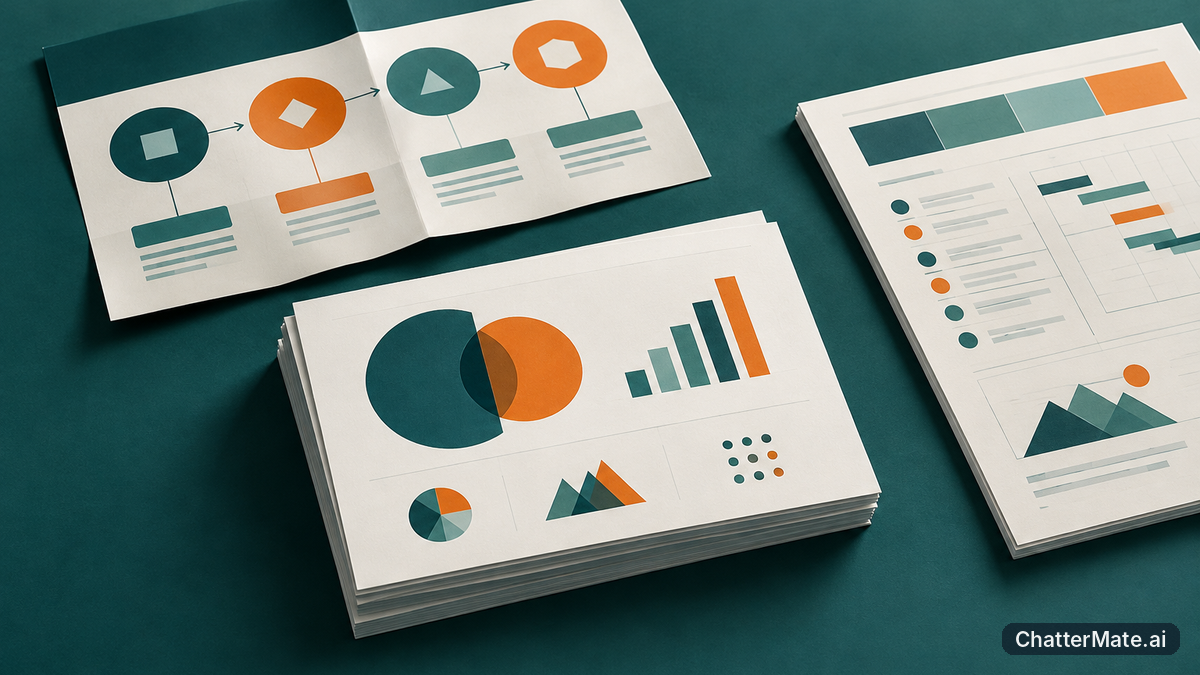
Canvas Pro is designed for artifacts that benefit from a visual view, rather than a text-only answer. It can display documents, slide decks, diagrams, and interactive outputs alongside chat. That range matters because an AI workflow may produce different kinds of work at different points: a planning document to organize a proposal, a slide deck to explain it, a diagram to make a process legible, or an interactive output to show an idea in action. Instead of asking the chat to describe every detail, you can look at the artifact itself while the related exchange remains available.
For example, if you prompt for a short presentation explaining a new onboarding process, the deck can be viewed as a visual artifact rather than only as an outline or a list of slide descriptions. If the next step is a process diagram, Canvas can display that too. Teams working through diagram ideas may find it useful to compare this with turning text into diagrams with multi-model chat.
How artifacts sit beside the conversation

The defining idea is that the artifact and chat appear alongside one another, not as separate destinations you have to mentally reconnect. You can refer to the prompt and surrounding discussion while looking at the output it led to. That is useful when a slide’s meaning depends on the instructions that shaped it: for instance, a request to make a five-slide overview for a nontechnical audience gives context for judging the deck’s level of detail.
This arrangement also helps when your workflow moves from one type of output to another. You might discuss a project brief in chat, view the resulting document, then look at a diagram or slide deck that communicates the same idea. The chat stays relevant as context, while the canvas gives the output room to be seen as an artifact. Canvas does not need to replace your review process; it gives you a more direct view of what the conversation produced.
If you are comparing model responses as part of the same workflow, decide first what you want to evaluate: the answer, the visual artifact, or both. This guide to choosing a next action in multi-model AI chat can help frame that decision.
When Canvas is more useful than chat alone

Canvas is most useful when the output has a visual structure that is hard to assess from prose. A slide deck is a clear example: you may need to check whether the sequence tells a coherent story, whether each slide has a distinct purpose, and whether the overall presentation matches the requested audience. A chat-only exchange can summarize those points, but a summary is not the same as seeing the slides.
The same logic applies to a diagram that needs to make dependencies understandable, a document whose organization matters, or an interactive output that is easier to judge by viewing it. By contrast, if you only need a quick fact, a short explanation, or a simple list of options, chat may be enough. Canvas is a better fit when your decision depends on the form of the artifact, not just the words used to describe it. For teams exploring AI workflows, starting with one concrete task can make the comparison practical; see this guide on starting small with AI workflows.
A practical way to decide
Choose a real review task your team already understands, such as assessing a five-slide project update or checking whether a process diagram communicates a handoff clearly. Ask what you need to judge. If the answer is mainly about the visual sequence, layout, structure, or interaction of the output, try viewing it in Canvas beside the chat that led to it. If you only need the text of an answer, the added artifact view may not change your decision.
Then evaluate the experience against your own review criteria: can you see the artifact and its conversational context together, and does that make the work easier to assess? ChatterMate Canvas is worth considering when keeping those two things in view helps your team make a clearer judgment. It is not a claim about editing or shared review tools; the fit is about seeing project artifacts alongside chat.
Tip: Bring one slide deck and one non-slide artifact to your evaluation. That gives you a quick, concrete sense of whether Canvas suits the visual work your team reviews most often.
Frequently asked questions
Explore ChatterMate.Ai
Enjoyed this read?
Like, Share or comment below.