SEO title: Multi-model AI chat: Keep Projects Coherent
Meta description: Keep a multi-model ai chat coherent across days with a checked project-state summary, clear decisions, and a useful next step. Start your carry-forward today.
Slug: summarize-and-carry-keep-long-ai-projects-coherent
Keywords: multi-model ai chat, project state summary, long AI projects, context windows
Multi-model AI chat: Keep Projects CoherentDay 3 of 30
It’s day three of building a pitch deck with AI. The audience has shifted, a headline has changed, and now the assistant is suggesting a feature you already ruled out. Context windows limit how much earlier chat an AI can use at once, so carry forward the decisions that matter. You need one long AI chat and 10 minutes.
Why carry project state forward?

A long chat holds useful detail, but it also gathers experiments, abandoned ideas, and repeated questions. As the conversation grows, important decisions can become harder to find or may fall outside what the model can consider. A new chat can be a clean working space, but starting from nothing means explaining the project all over again.
Summarize-and-carry gives you a middle path: keep a short, checked snapshot of the project and bring it into a fresh conversation. Think of it as a handoff note for an assistant joining your work midstream. The note should preserve the goal, audience, settled decisions, rules, unanswered questions, and immediate next action. It should not preserve every brainstorm.
This matters when you’re working across days, or comparing model responses. In a multi-model AI chat, different models may suggest different routes; a clear project state lets you judge their ideas against the same brief instead of letting each conversation invent its own version. For a quick refresher on why earlier context can slip away, read why AI forgets mid-chat.
The goal isn’t to make the summary impressive. It’s to make tomorrow’s first useful answer easier to get.
Build a project-state summary you can trust
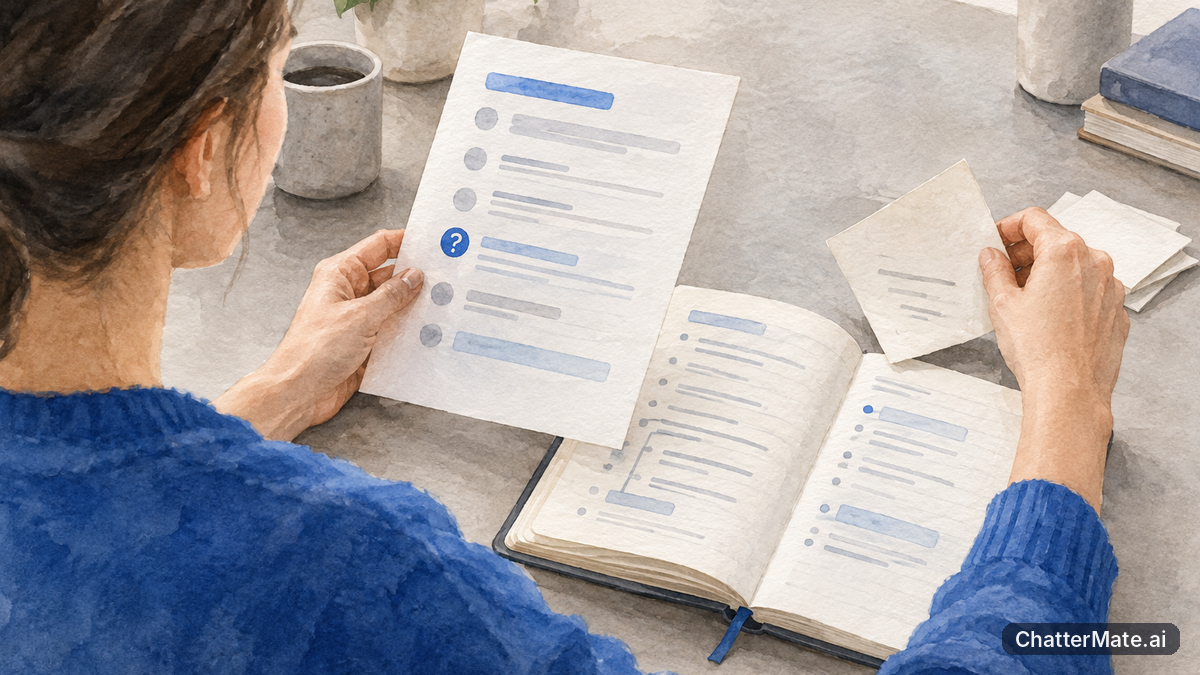
Start in the long chat where the work already lives. Ask the AI to produce a structured project-state summary, not a general recap. A recap retells what happened; a project state records what is true now and what should happen next. Ask for concise bullets, distinguish decisions from suggestions, and tell the AI to mark anything uncertain rather than guessing.
Copy and paste this prompt:
Summarize this conversation as a project state for a new chat. Keep it concise and factual. Include only current, useful information. Separate confirmed decisions from open questions, and mark anything uncertain. Do not invent details or treat suggestions as decisions. Use this structure:

Goal:
Audience:
Decisions made:
Rules:
Open questions:
Next step:
Now edit the result yourself. Compare each claim with the conversation. Did the team actually choose that positioning, or did the AI merely suggest it? Is the audience still correct? Remove outdated options and add any decision made outside the chat. Keep language specific enough to guide work: “busy clinic managers” is more useful than “professionals.”
Use ChatterMate as a multi-model AI workspace when you want to compare responses side by side. You can ask models to flag ambiguities in the summary, then check their comments against your own notes. Treat that comparison as a review aid, not proof that a detail is correct. The final project state is yours to approve.
Start fresh, then carry the state in
Open a new chat after you’ve edited the project state. Paste the summary as the first message, before asking for new work. This gives the assistant a clear starting point and helps keep old brainstorming separate from current instructions. Follow the state with one concrete request, such as: “Draft the opening slide using this goal, audience, and these rules. Ask me before filling any open question.”
Check the first answer against the handoff. If it ignores a rule or reopens a settled decision, correct it directly: “The audience is confirmed as first-time buyers. Keep that fixed, and revise the slide.” Correcting drift early is simpler than allowing it to shape several more days of work.
For a multi-model AI chat workflow, you can also compare how different models interpret the same state. Ask each to identify the next action, then compare whether they noticed the same constraints. Pick the response that fits the task; a quick factual extraction may call for a different model than a creative positioning exercise. Avoid asking every model to repeat a large project history when a concise state will do. That keeps the handoff focused and reduces unnecessary context.
If you need help writing a clear instruction for the next task, this guide to getting better answers from AI offers practical prompt ideas. Keep the project-state note as your source of truth, not a replacement for your judgment.
Worked example: a product-launch project
Imagine you’re preparing a launch campaign for a new appointment-booking tool. Over two days, the chat explored several audiences and taglines. The team settled on independent dental practices, but the AI’s most recent recap accidentally presents small wellness studios as the audience. If you paste that unchecked recap into a new chat, the mistake can quietly redirect the campaign.
A checked project-state block might look like this:
Goal: Prepare a launch pitch deck for an appointment-booking tool.
Audience: Owners and office managers at independent dental practices.
Decisions made: Lead with fewer scheduling gaps; describe setup as guided, not automatic.
Rules: Keep the tone practical and reassuring. Do not promise revenue growth or integrations not confirmed by the team.
Open questions: Confirm whether calendar syncing is available at launch. Choose the final customer quote after approval.
Next step: Draft the problem and solution slides; flag any claim that depends on calendar syncing.
Notice what the block leaves out: the discarded wellness-studio audience, five rejected taglines, and the full discussion behind the scheduling-gap idea. Those details may still exist in the old chat, but they don’t need to lead the new one. The block also turns an uncertainty into a question rather than a made-up claim.
That compact structure is the template: Goal, Audience, Decisions made, Rules, Open questions, Next step. It works for a pitch deck, a consulting report, or a multi-day launch plan because it separates what is fixed from what still needs a decision. If the project includes documents or slides, Canvas can place artifacts alongside chat; keep the summary itself clear enough to paste into a new conversation.
The deliberate mistake: trusting an unchecked summary
Letting the AI write the project state without checking it is the shortcut that defeats the whole exercise. The model can confuse an idea with a decision, overlook a correction, or compress two different options into one. A polished summary can still be wrong. Once you paste it into a new chat, the error becomes part of the assistant’s starting context and may be repeated confidently in drafts, recommendations, and later summaries.
Picture a team that discussed “launch to existing customers first” as one possible route, then chose a public launch instead. If the AI’s summary records the earlier idea as settled, the new chat may produce an email campaign aimed only at current customers. The team then has to spot the error, unwind the work, and explain the decision again. Worse, a later summary could carry the mistaken choice forward a second time.
Prevent this with a short human review. Check every decision against what was actually agreed. Look for outdated audience descriptions, invented facts, missing constraints, and questions that were never answered. If you are unsure, label the point as open rather than settling it on the AI’s behalf. When comparing model responses in ChatterMate, treat disagreement as a prompt to inspect the source chat; don’t let a majority vote turn an unverified claim into project truth.
Tip: Keep the summary concise, but never shorten away the distinction between “decided,” “suggested,” and “still unknown.”
Your turn: practise, then make it a habit
Try the method on three chats, moving from low stakes to your most complex work. First, choose a short chat and create a state block in a few minutes. Check whether the next chat can continue without asking you to repeat the basics. Then choose a medium-length conversation, such as a campaign plan with a few approved messages and unresolved details. Finally, use your longest active project chat. That last summary may need more careful editing, but keep the same six fields rather than turning it into a full transcript.
Level up by keeping a versioned project-state document and updating it daily. Use a simple date or version label, such as “Launch state, Day 3,” and revise the existing decisions rather than collecting contradictory copies. When something changes, record what changed and what remains open. A short daily update is easier to review than a full rewrite at the end of the week.
Key Takeaways: Ask for a structured state, edit it yourself, and paste it as the first message in a new chat. Carry decisions and constraints, not every discarded idea. Mark unknowns clearly, then give the fresh chat one useful next step.
Try it in ChatterMate → Paste your project state into ChatterMate and shape it into a document in Canvas. Start with the ChatterMate multi-model AI workspace, and use the summary to pick up your project tomorrow. Explore comparing model responses when you want another perspective on a task.
Comment question: What detail is most likely to drift in your long-running AI projects: the audience, a decision, or the next step?
Tomorrow: why asking twice gets different answers, and how to steer variety on purpose.
Frequently asked questions
Explore ChatterMate.Ai
Enjoyed this read?
Like, Share or comment below.