You already know how to use AI chat to explore an idea or draft code. The harder question comes when a team needs to turn that conversation into a working app: is chat still enough, or would a broader build workspace make the next steps easier? The answer depends on what you need to do with the code.
When chat is enough—and where it stops
Chat can be enough when you’re testing an idea, asking for a function, or working through an error in a small code sample. For example, you might ask for a form component, review the suggested markup, and then paste it into a project you already have open. That’s a simple, useful loop when you know where the code belongs and can manage the project yourself.
The friction appears when the work moves beyond the answer. You may need to create several files, keep their structure consistent, see how the UI behaves, or revise the app after previewing it. A conversation can suggest changes, but you still have to organize and apply them in your development setup. If those handoffs are the main bottleneck, it may be time to consider a workspace built around the project, not just the prompt.
What a forge cloud ide adds to the build loop
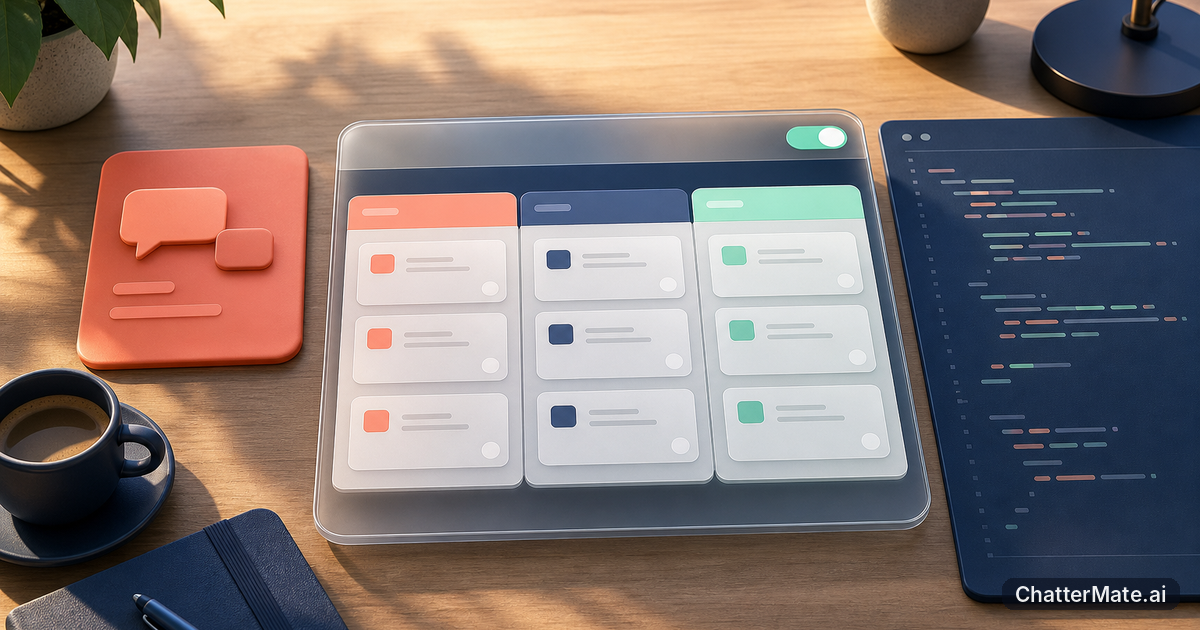
A forge cloud ide gives you a browser-based place to scaffold and edit an app, then preview and deploy it. In ChatterMate, Forge also includes AI agents to assist with app-building tasks. That means you can work with project files and a live preview as you develop, rather than treating every code suggestion as a separate snippet to transfer into another tool.
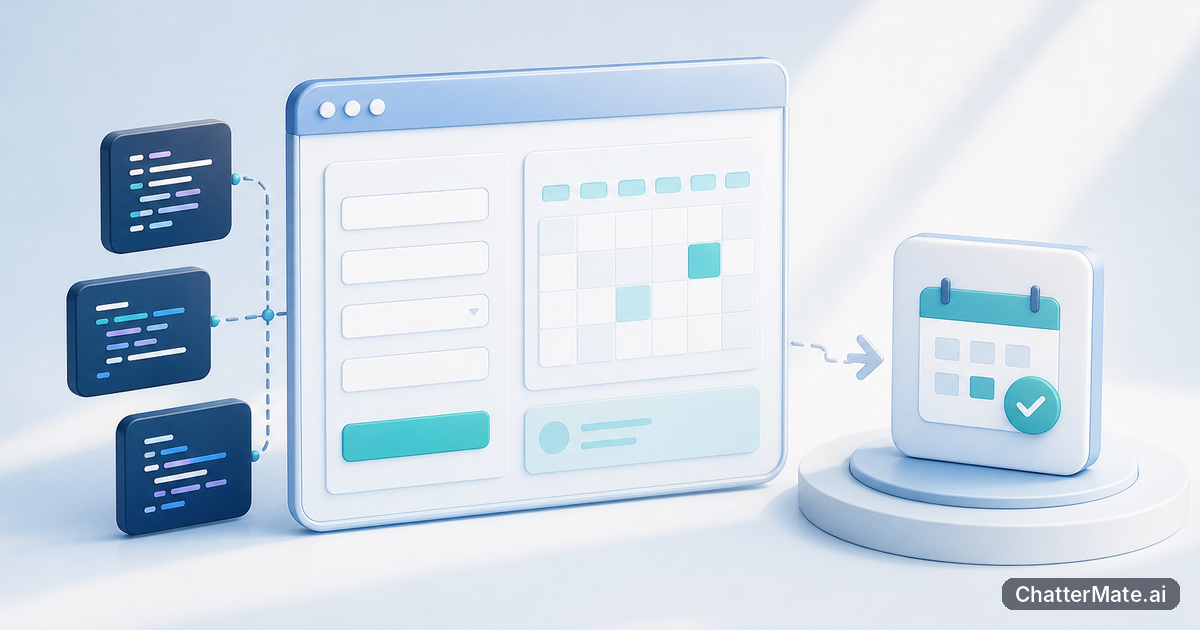
For instance, say you want to prototype a booking page. You can use the workspace to get the app structure started, edit the relevant files, and check the result in preview as you refine the layout. When it’s ready for the next stage, Forge supports deployment. If you want to see how a chat-originated idea can become a prototype, read this guide to moving from chat to prototype. The key difference is the connected build loop, not simply having another place to ask questions.
Choose by task, not by team label
Different people on the same team can reasonably need different workflows. A product designer or founder exploring a screen idea may benefit from chat-native Build Mode: it supports rapid UI scaffolding, a file tree, preview, zip download, and Take-to-Forge promotion. A developer who needs to work directly with app files, use AI agent assistance, and preview or deploy the project may prefer Forge. Neither choice has to be the default for every task.
Consider a small publishing app. Someone exploring the concept could scaffold a first UI in Build Mode and inspect the preview; if the idea merits more development, they can promote the build to a Forge session. A developer already working through project edits may start in Forge instead. This kind of progression is described in a practical guide to creating a blog. Choose the starting point that matches the work in front of you, rather than assuming everyone needs the same level of tooling.
A practical way to decide what to try next
Pick one real task that currently involves a chat answer followed by manual setup. Keep it small—perhaps a landing page, a settings screen, or a form—and note where the work slows down. If the main challenge is getting a quick UI scaffold to inspect, try a chat-native build and see whether its file tree and preview help. If you need to edit a project in the browser and move through preview and deployment, test the Forge workflow on that task.
Compare the effort of getting from idea to a useful preview, not just the first response. Ask whether you can find and change the right files, assess the result, and continue building without awkward handoffs. ChatterMate supports both a chat-native route into a build and a Forge workspace for app development, so you can start with the workflow that fits your current need. Try one small project, then decide whether the broader workspace earns a place in your routine.
SEO meta description: Compare AI chat with a forge cloud ide for scaffolding, editing, previewing, and deploying apps. Learn which workflow fits your build tasks.
If you’re weighing the options, you can learn more about ChatterMate Forge and decide whether it fits a project you’re ready to build.
Frequently asked questions
Explore ChatterMate
Enjoyed this read?
Like, Share or comment below.