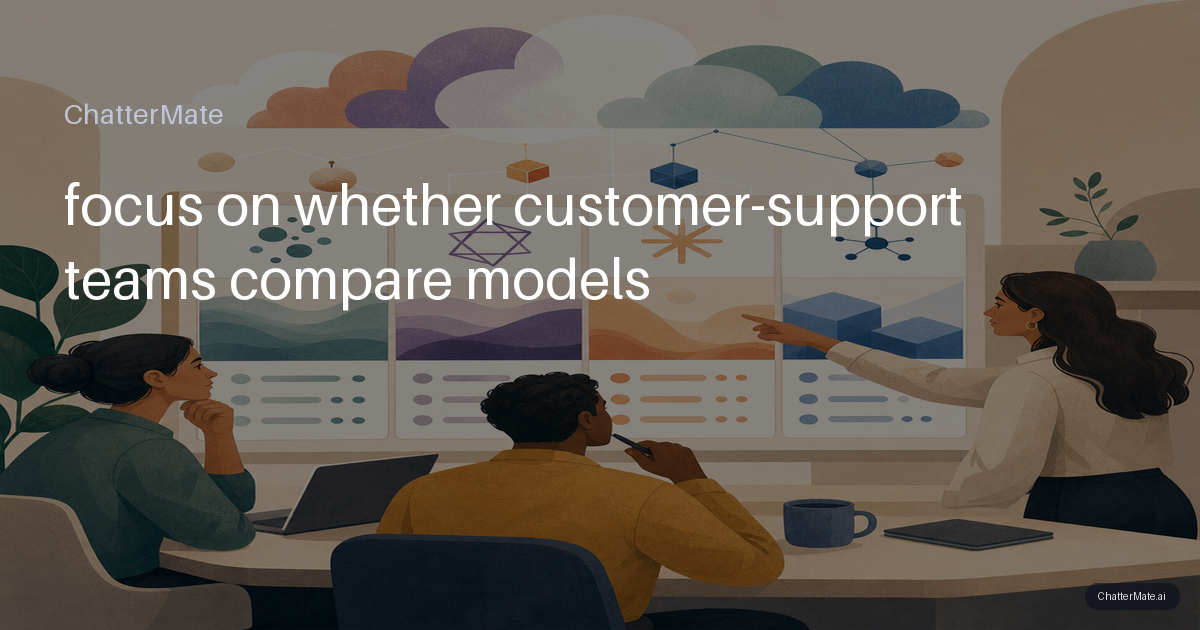
When a customer asks why a refund has not arrived, a fluent answer is not automatically a correct or useful one. Rather than relying on ChatGPT alone, compare a small set of models on the same support cases, then choose by accuracy, tone, speed, and cost. The goal is not to crown one universal winner: it is to learn which response works best for each task and when the trade-off is worth it.
Compare responses on the same support case
Start with a real but anonymized billing question, such as: “I was charged twice, and the second charge is still pending. Can you fix it?” Give each model the same wording, account context, policy excerpt, and instructions. Review the answers together before deciding which one you would send. Look for whether it distinguishes a pending authorization from a settled duplicate charge, avoids promising an unsupported refund, and gives the customer a clear next step.
Then repeat the test with a complaint that includes frustration or ambiguity. Some models may give a crisp, concise answer; others may handle the nuance or empathy better. Treat those as hypotheses to test, not fixed model personalities. If responses need to match a house style, use the same tone guidance for every model; this practical brand-voice guide can help you make that guidance specific and consistent.
Make the side-by-side test fair
A useful comparison controls the prompt, context, and task. Run each model on the same set of cases, with the same retrieved policy text and the same response constraints, such as “do not claim an action has been completed.” Keep temperature and other settings consistent where available, and record the model version and date. Otherwise, a prompt change or missing policy detail can look like a model-quality difference.
Build a compact test set of perhaps 20–30 cases: straightforward billing questions, edge cases, complaints, and requests that require escalation. Score each answer independently before discussing it as a team. A simple rubric can rate factual accuracy, policy adherence, brand fit, usefulness, and whether the answer asks for clarification when needed. For knowledge-dependent cases, ensure every model receives the same source material; retrieval and citations can affect results as much as the model itself. For more on that factor, see this guide to a RAG knowledge base for support.
Tip: Keep a few “must not fail” cases in the set, such as a disputed charge or a refund outside policy. A high average score should not hide a serious failure on a high-risk answer.
Score quality alongside speed and cost
For each run, capture the quality scores and the operational details: time to first token, total response time, input and output tokens, and estimated cost or credits under your own provider and account terms. A model that writes a long, polished answer may use more output tokens without improving the customer’s next step. Another may be quick but miss a key policy condition. Measure both against your support requirement rather than treating speed or brevity as quality by itself.
For example, a routine question about where to find an invoice may need a fast, low-cost answer. A complaint involving a disputed charge may justify a slower, more careful response or a human review. Calculate cost per acceptable answer, not just cost per call: an inexpensive response that agents must rewrite can be the more expensive option in practice. If you use automatic model selection, compare it with your chosen baseline on the same test set; this article explains when to use Auto in multi-model chat.
Choose by task, then keep checking
Turn your evaluation into a routing decision, not a permanent league table. Your results might show that one model handles short, routine billing replies efficiently, while another is more reliable on policy-heavy complaints. A third may be worth using when a difficult case needs a careful explanation. Set a minimum quality bar for every task, then use latency and token or credit cost to choose among models that clear it. If none does, revise the prompt, improve the context, or route the case to a person.
Keep a small set of examples and rerun it when prompts, policies, model versions, or pricing change. Review real agent edits too: repeated corrections reveal gaps your test set may have missed. If you want to run this kind of live comparison in one conversation, ChatterMate’s Multi-Model Chat can show responses from several models side by side. Use it as a way to gather evidence, then make the selection based on your own support cases and trade-offs.
Frequently asked questions
Explore ChatterMate
Enjoyed this read?
Like, Share or comment below.