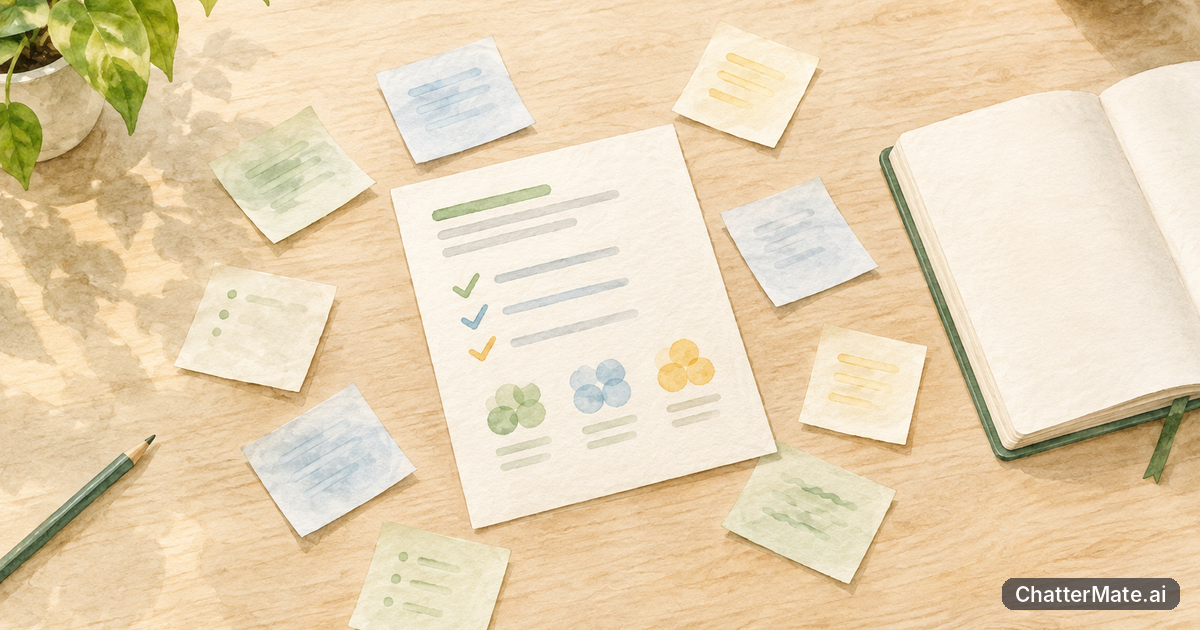
You understand the assignment and have ideas worth developing, but turning them into a clear, substantial draft can feel like a separate task. ChatterMate’s AI Writer gives you a writing canvas, templates, visuals, Mermaid diagrams, and export tools to help organize your thinking. You stay in charge of the argument and the final work.
When your student writing feels scattered despite a clear idea

A scattered draft usually means your ideas need a visible order, not that you need to start over. Before writing full paragraphs, put your assignment question at the top of the canvas, then collect the points you already know you want to make. For example, if you are writing about urban green spaces, you might have notes on heat, public health, access, and maintenance. Those are useful ingredients, but they do not yet show how your answer will unfold.
Turn each note into a question your draft needs to answer: How can parks reduce heat? Who can reach them? What makes them welcoming and usable over time? The questions reveal relationships and gaps. Perhaps you have evidence about temperature but no example of how access differs between neighborhoods. Mark that gap instead of quietly writing around it. A short outline can then connect your main claim to the supporting points and evidence you still need to check.
Use the canvas to organize these parts before polishing sentences. If you need help making instructions more precise, this guide to writing clearer prompts offers a useful starting point.
Choose a structure and template that fit the assignment you need to write

Start with the assignment’s purpose, not whichever structure sounds most impressive. A persuasive essay needs a claim, reasons, evidence, and a response to an opposing view. A report may need to explain a problem, compare evidence, and end with recommendations. A reflective assignment might follow a change in your understanding. In each case, your course instructions and rubric take priority; a template is a starting frame, not a replacement for them.
In the AI Writer, choose a template that resembles the kind of long-form piece you need, then adjust its sections to match the task. For an essay on urban green spaces, a useful plan could be: define the problem, explain how parks affect neighborhood heat, compare who has access, consider limits such as upkeep, and make a focused conclusion. If your prompt asks you to compare two cities, make the comparison the organizing principle instead of treating each city in an unrelated block.
Check that every planned section serves the assignment question. Give each one a working purpose, such as “show why shade matters” or “test whether access is equal.” This helps you avoid headings that merely announce a broad topic. For a longer project, draft the structure first and use it to identify where you need sources, examples, or counterarguments before asking the canvas to help expand your notes.
Use ChatterMate’s AI Writer canvas to build a long-form draft from your notes
Once you have a structure, bring your notes into the AI Writer canvas as raw material. Give the assignment context, your working claim, the sections you chose, and any course requirements that should shape the draft. Then ask for help developing a section at a time. For example: “Use these notes to draft a section explaining how tree cover can reduce heat exposure. Keep the claim cautious, identify where evidence is needed, and connect it to my argument about neighborhood access.” This is more useful than asking for a complete essay from a topic alone.
Read each generated passage against your notes. Keep the ideas that accurately express what you mean, correct anything that changes your position, and flag claims that need evidence. If a paragraph introduces a point that does not fit your outline, decide whether it strengthens your argument or belongs elsewhere. You can also ask for a transition between two sections or a clearer explanation of a concept without handing over decisions about what the assignment should argue.
Work in passes: first arrange the reasoning, then clarify paragraphs, then review flow. If you are unsure whether an AI suggestion is dependable, compare it with your readings and use this guide to checking claims as a reminder to verify rather than assume. The canvas supports drafting; your course materials remain the authority.
Decide when a visual or Mermaid diagram will make your explanation clearer
A visual earns its place when it helps a reader understand a relationship faster or more accurately than another paragraph would. For an urban green spaces assignment, a simple chart might compare park access or tree cover across neighborhoods if you have reliable data. A labeled map could clarify location and distance, if your assignment and evidence support one. A decorative image that does not explain your point may add space without adding understanding, so ask what question a reader should be able to answer after seeing it.
Mermaid diagrams are useful when the important idea is a process or chain of cause and effect. You could diagram a cautious pathway such as “tree cover provides shade,” “shade lowers exposure to direct sun,” and “lower exposure may reduce heat stress.” Add a note that the outcome depends on local conditions, and support claims with appropriate sources. A diagram is not evidence by itself; it shows how you think the evidence connects.
Keep visuals selective and readable. If the assignment is a close analysis of a text, a diagram may distract unless it directly supports your interpretation. If it asks you to explain a system, a flow diagram may be more useful than a second page of prose. Use the AI Writer’s visual and Mermaid options to plan a draft, then check that each visual has a clear purpose and is explained in the surrounding writing.
Shape a draft about urban green spaces into work that sounds like you
Imagine your working argument is that urban green spaces can help reduce heat, but their benefits depend on whether residents can reach and use them. The canvas may help turn your notes into sections on shade, access, and maintenance. To make the result your own, decide what you actually want to claim. Perhaps your course readings support a narrower point: parks and tree cover matter, but uneven distribution means their benefits are not shared equally. Revise the draft around that position rather than keeping a broader sentence just because it sounds polished.
Then check each paragraph for your reasoning. Can you explain why the evidence belongs there? Does the paragraph answer the assignment question, or has it drifted into general background? Replace generic transitions with connections that reflect your argument. Add examples from assigned readings or your own approved research, and cite them in the style your instructor requires. If a sentence uses a term you would not normally use, make it clearer while keeping the meaning accurate.
Reading the draft aloud can reveal where the language feels stiff or where a logical step is missing. Keep useful AI suggestions, but change, remove, or expand material to reflect your understanding. For a separate look at ways students can use AI as a study aid while staying engaged with learning, see this student study skills guide. Your goal is not to disguise assistance; it is to produce work you understand and can stand behind.
Export your draft for editing, then check it against your assignment requirements
When the draft has a workable structure and you have reviewed its claims, use the AI Writer’s export tools to take it into the next stage of editing. Treat the exported version as a draft, not a finished submission. Open it in the tool or document format you normally use for final editing, then check the assignment prompt, rubric, required length, citation style, and submission instructions side by side. Export is useful because it lets you continue revising beyond the writing canvas; it does not confirm that the work meets course rules.
Make a short final pass through the structure. Does the introduction answer the question and state a clear direction? Does each section contribute to that answer? Are visuals explained, labeled where needed, and supported by appropriate sources? Do Mermaid diagrams clarify a process rather than make an unsupported claim look certain? Remove notes to yourself, fill any evidence gaps you identified, and check that quotations and paraphrases are credited according to your course requirements.
Finally, compare the finished draft with the assignment instructions rather than relying on memory. If a required element is missing, revise before submitting. ChatterMate can help you turn a plan into a clearer long-form draft, but your final review is what connects that draft to your course expectations. Next, choose the template that fits your assignment, sketch one useful visual, and export a version you can edit carefully.
Frequently asked questions
Explore ChatterMate.Ai
Enjoyed this read?
Like, Share or comment below.